
10 Inspiring Colour Palette Galleries to Bookmark
Every designer knows the feeling: staring at a blank canvas, searching for that perfect color combination. These ten curated galleries are your antidote to creative block.
Bookmark this list to instantly access the world's best sources for color inspiration, trend forecasting, and professional-grade palette tools.
1. Color Hunt
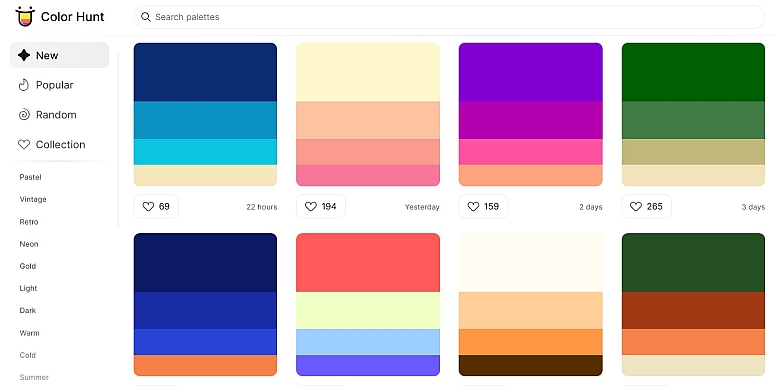
The ultimate gallery for modern, trendy palettes. Its strength lies in its community-driven model, where designers vote on submissions, ensuring you see what's fresh and popular. The clean, grid-based interface is perfect for fast browsing and discovering vibrant, contemporary color combinations ideal for digital projects, social media graphics, and startup branding.
2. Canva Color Palettes
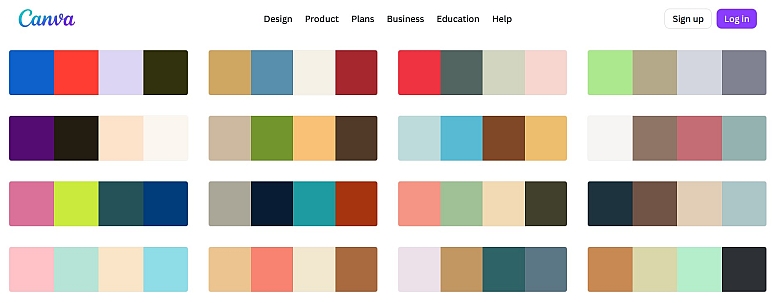
A fantastic resource for beginners and theme-based inspiration. Canva's team expertly curates palettes with evocative names like "Ocean Breeze" or "Vintage Café," making it easy to find a mood. Each palette is beautifully presented and can be seamlessly applied within the Canva design ecosystem, making it a practical choice for marketing materials, presentations, and social content.
3. Pinterest Palette (Pinterest Predicts)
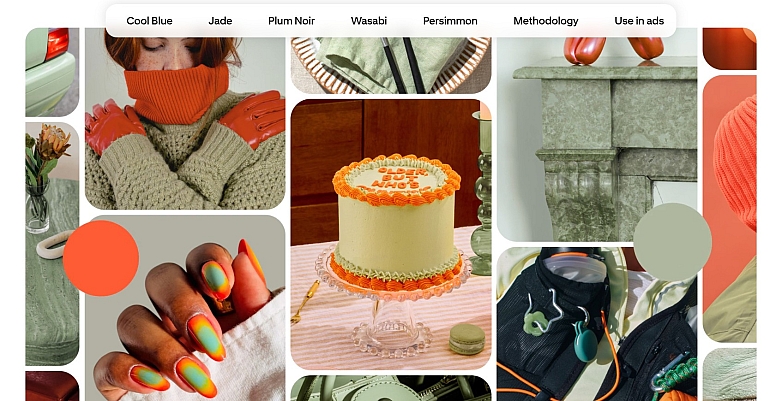
Not a traditional gallery, but an indispensable trend forecast. Based on search data from millions of users, Pinterest Predicts announces the color palettes poised to dominate design, fashion, and interiors in the coming year. Bookmark this to ensure your work feels forward-thinking and culturally relevant, providing a data-backed edge for client work.
4. Adobe Color
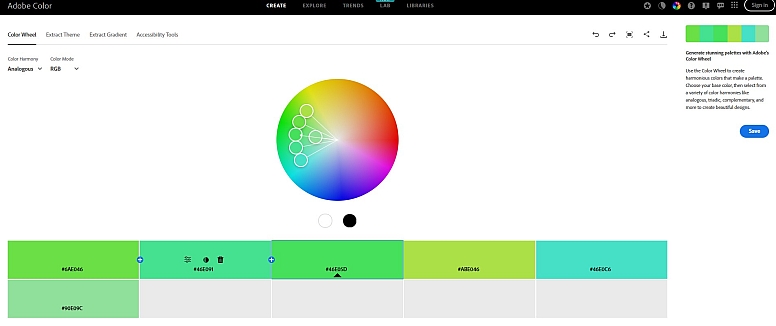
The professional's powerhouse tool. Beyond a gallery of community palettes, Adobe Color offers a sophisticated color wheel for creating custom schemes based on all major color harmony rules (complementary, analogous, etc.). You can extract palettes from images, check accessibility contrast, and save schemes directly to your Adobe Creative Cloud libraries for use in Photoshop, Illustrator, or XD.
5. Coolors.co
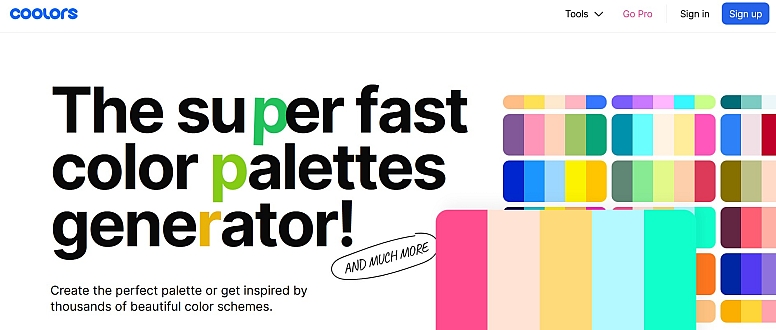
The fastest palette generator in the world. Hit the spacebar to instantly generate a beautiful, cohesive palette. Lock the colors you like and keep generating until you have a perfect set. It’s incredibly intuitive for rapid exploration and features a growing gallery of user-generated palettes, export options for all major platforms, and even a contrast checker.
6. Khroma
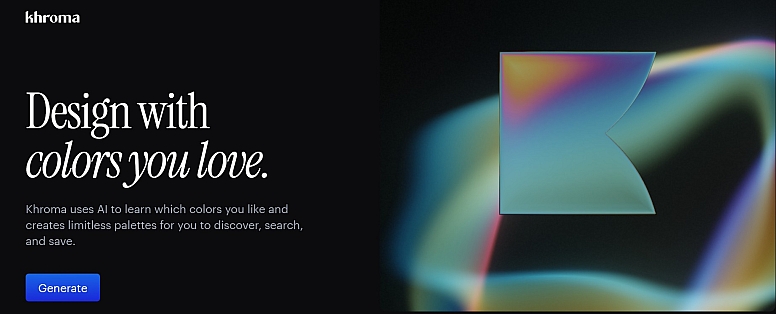
An AI color tool that learns your personal taste. You start by selecting 50 colors you're drawn to. Khroma's AI then trains on your preferences to generate endless palettes it predicts you'll love. It's a deeply personalized way to break out of your own habits and discover combinations uniquely suited to your aesthetic, offering results that feel both fresh and intrinsically "you."
7. Paletton
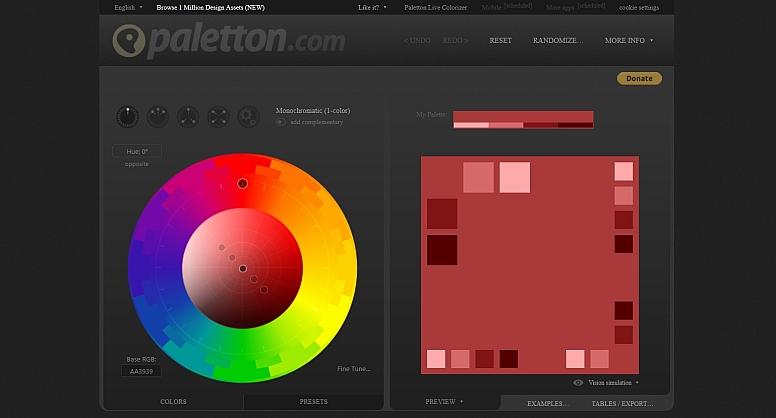
The best tool for mastering color theory. While it has a gallery, its superpower is the interactive color wheel. Adjust hue, saturation, and brightness to build mono, adjacent, triad, or tetrad schemes. It instantly previews your palette on a mock website template, showing you exactly how the colors will work together in a UI context—an invaluable step between theory and application.
8. Muzli Colors
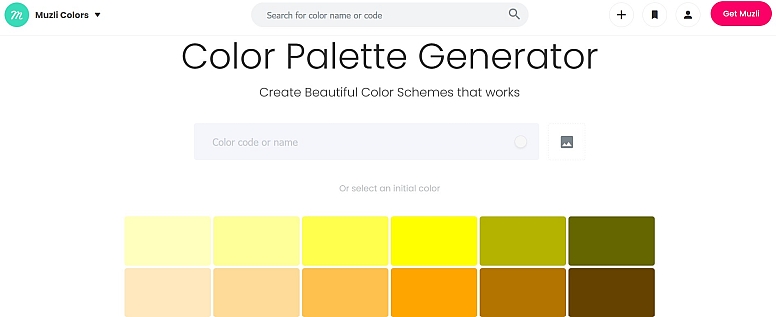
A smart gallery that pulls palettes from the best real-world designs. Instead of static swatches, it shows you color schemes extracted from live, highly-rated websites and product designs. This provides immediate context, demonstrating how leading brands balance primary, secondary, and accent colors. It's perfect for understanding modern web and UI color trends in practice.
9. ColourLovers
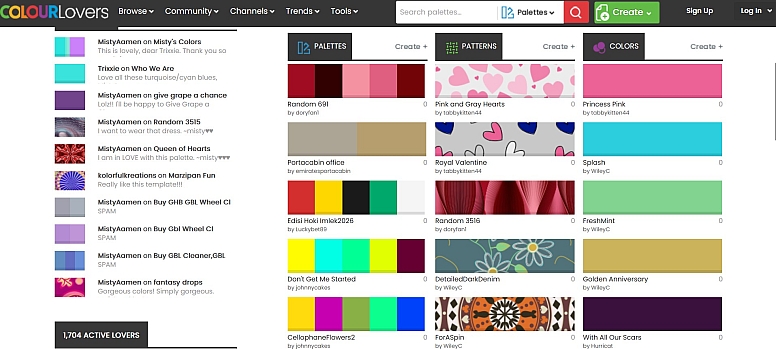
A creative social network built around color. One of the original and largest communities, it features millions of user-created palettes, patterns, and shapes. It's a deep well of eclectic and artistic inspiration, ideal for when you need to step away from corporate trends and find something truly unique, textured, and community-vetted.
10. Color Leap
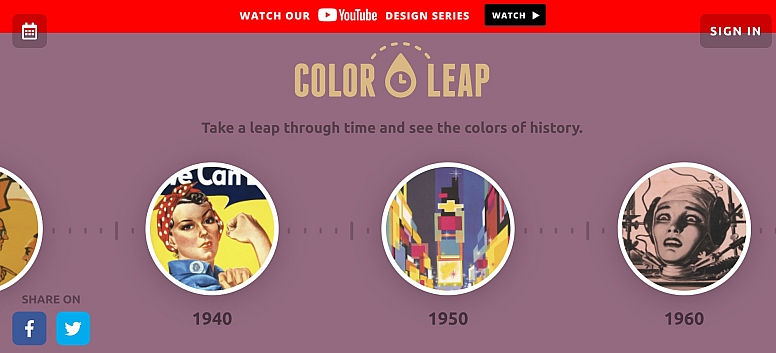
Take a step back in time. Color Leap offers carefully researched historical color palettes from specific eras, like the Renaissance or the 1970s. Each "leap" presents a palette used in art and design of that period, complete with example artworks. It's an exceptional resource for period-accurate design work, themed projects, or simply finding timeless combinations with a story.
How to Use These Galleries Like a Pro
- Start with a Constraint: Don't browse aimlessly. Begin with one anchor color or a theme (e.g., "trustworthy," "energetic summer") and use the tools to build around it.
- Look Beyond the Swatch: Pay attention to how galleries like Muzli or Paletton show colors in context. Note the proportion and usage (which color is dominant? which is for accents?).
- Check Accessibility: Before finalizing, use the contrast checkers in Adobe Color or Coolors to ensure your palette is legible for all users.
- Build Your Own Library: Most of these sites allow you to save or favorite palettes. Create collections for different project types (e.g., "App UI," "Client A Brand," "Dark Mode Ideas").
Bookmark these ten resources, and you'll never be short of color inspiration again. The right palette can define a brand, elevate a design, and communicate a feeling—these tools put that power at your fingertips.
LEAVE A COMMENT
Recent Posts



0.0428