
Resize Image for Printing
Resize your images for print with precise dimensions and high-quality, print-ready results in seconds.
Drag & Drop Images
or click to browse files
Resize Settings
Processing images...
Upload an image to see preview
Changes update in real-time
Uploaded Files
0 filesNo images uploaded yet
Upload images to get started
Gradient Background
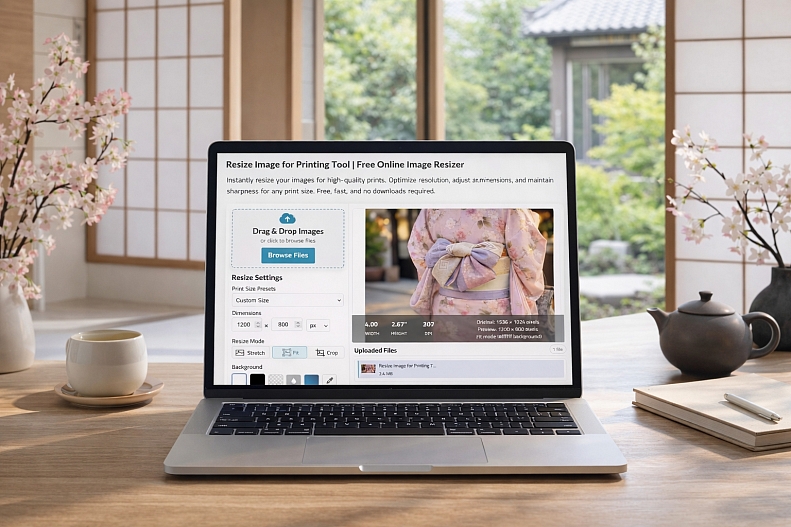
Resize Image for Printing Tool
The Resize Image for Printing tool is a fast, free online solution designed to prepare your images for perfect print output. It allows you to instantly adjust dimensions, resolution, and print size so your images come out sharp, clear, and professionally formatted every time.
Built for both simplicity and precision, the tool lets you match your images to standard paper sizes like A4, A3, or custom dimensions. Whether you're creating posters, flyers, or photo prints, it ensures your visuals maintain the correct proportions and high resolution needed for print-ready results.
With real-time previews and flexible resize options, you can choose how your image fits; stretch, crop, or scale, while preserving quality. The tool also supports batch resizing, making it easy to process multiple images at once for faster workflows.
Because everything runs directly in your browser, there’s no need to install software or upload files to external servers. Your images stay private while you get instant, high-quality results.
Key Features
-
Resize images for standard print sizes (A4, A3, etc.)
-
Custom dimensions for posters, flyers, and prints
-
Maintains sharpness and image quality
-
Multiple resize modes (fit, crop, stretch)
-
Batch processing for multiple images
-
Works entirely in-browser (fast, free, and secure)
Use Cases
-
Preparing photos for printing
-
Designing posters and flyers
-
Creating print-ready marketing materials
-
Adjusting images for frames or photo albums