

Free Online Tools
Colorik tools: Simple, fast, and privacy-friendly utilities for designers, marketers, and creators. Use these free online tools to optimize your images and workflows. No software or signup required.
Image Enhancer Tool
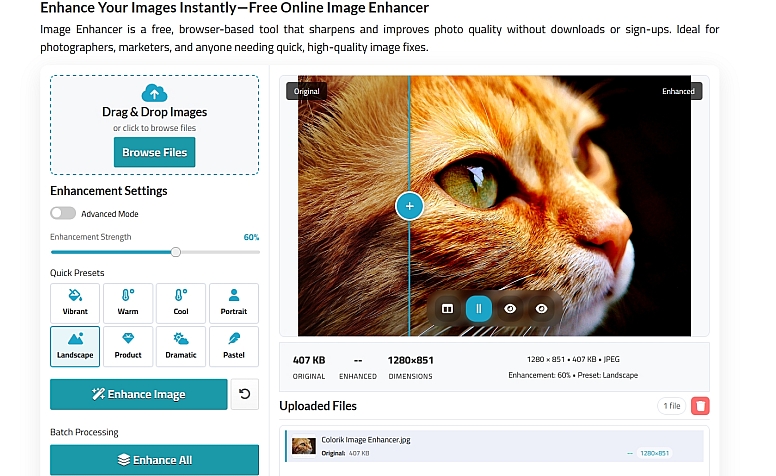
The Colorik Image Enhancer is a free, browser-based photo enhancement tool that helps you sharpen, refine, and improve the overall quality of your images without any downloads or sign-ups. Whether you’re fixing blurry shots, boosting clarity for product photos, or improving everyday pictures, this tool gives you full control over your image’s look in just a few clicks.
Key features:
-
Smart enhancement controls — Adjust sharpness, contrast, vibrance, exposure, shadows, and more to bring out the best in your photos
-
Quick presets — Instantly enhance images using ready-made modes like Portrait, Landscape, Warm, Cool, and Vibrant
-
Easy drag-and-drop upload — Upload images quickly and start enhancing right away
-
Supports common formats — Works with JPG, PNG, WebP, and other popular image formats
-
Batch processing — Enhance multiple images at once for fast and consistent results
The Colorik Image Enhancer makes it easy to fine-tune your visuals and achieve polished, high-quality results with no technical skills required — perfect for designers, content creators, marketers, and everyday users.
Image Sharpening Tool
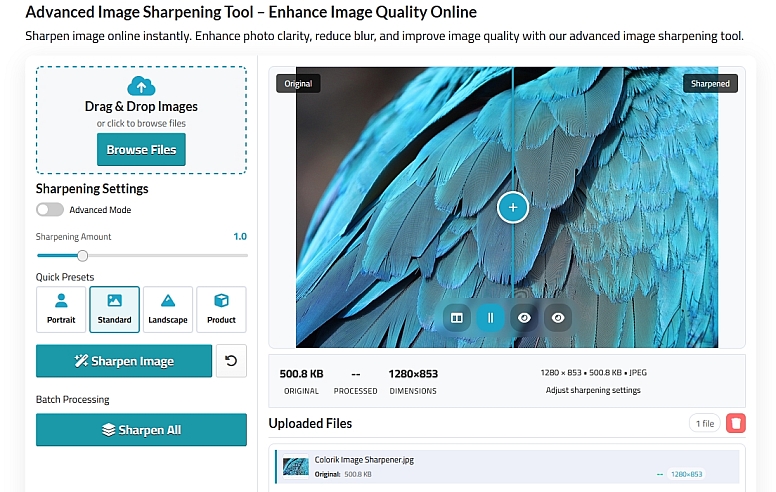
Make your photos crisp and clear in seconds with the Colorik Image Sharpening Tool. Enhance blurry or soft images instantly right in your browser—no downloads, accounts, or software required. Just upload your image, adjust the sharpening level, and get a sharper, more detailed result ready for use.
Key Features:
-
Instantly improves clarity and detail in photos
-
Adjustable settings for precise control over sharpness
-
Supports popular formats like JPG, PNG, and WebP
-
Easy to use for beginners, with advanced options for pros
-
Works entirely in your browser—fast, free, and secure
The Colorik Image Sharpening Tool helps you instantly bring clarity and detail back to soft or blurry photos, making your images look crisp and professional in seconds. With simple controls and browser-based processing, it’s an easy, reliable solution for improving image sharpness without any technical hassle.
Resize Image for Printing
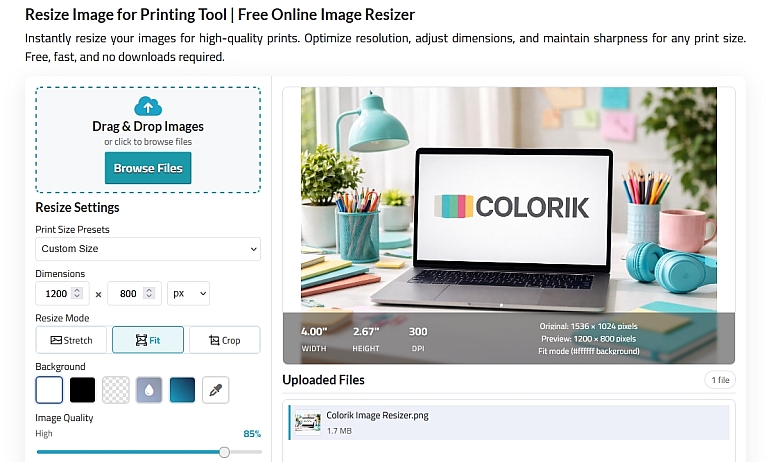
Easily prepare your images for print with the Colorik Resize Image for Printing Tool. Upload one or multiple photos and adjust their dimensions and resolution to match standard paper sizes (like A4, A3, or custom measurements), ensuring crisp, high-quality output every time. Perfect for flyers, posters, photo prints, or any physical media, this web-based resizer makes batch and single-image resizing fast, simple, and lossless.
Key Features:
- Perfect for posters, flyers, and photo prints
- Supports common print sizes
- Keeps quality intact
- Supports single or batch image resizing
The Colorik Resize Image for Printing Tool makes it simple to prepare images for high-quality print output by matching exact paper sizes and resolutions. Whether you’re working on posters, flyers, or photo prints, it ensures your images stay sharp, accurate, and print-ready with minimal effort.
Image Compressor Tool
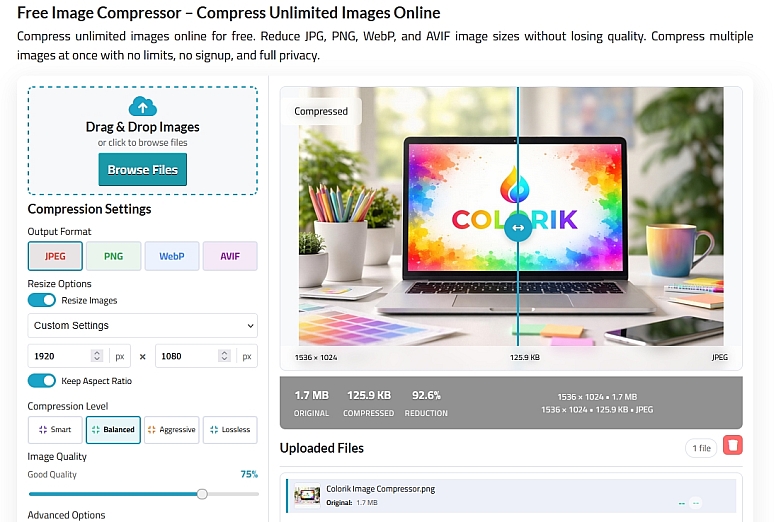
Quickly shrink your image files without losing quality. The Colorik Image Compressor Tool supports JPG, PNG, WebP, and more, letting you optimize images for web, social media, or digital projects in seconds. Compression happens entirely in your browser, so your files remain private, fast, and ready to use. Perfect for faster websites, lighter emails, and smooth digital workflows.
Key Features:
-
Supports JPG, PNG, WebP, and AVIF formats
-
Fast, browser-based compression with no uploads
-
Adjustable compression settings for quality control
-
Preserve image clarity while reducing file size
-
Ideal for web, social media, and digital projects
-
Batch compression for multiple images at once
The Colorik Image Compressor Tool allows you to reduce image file sizes while preserving visual quality, helping your images load faster and work better across digital platforms. It’s an efficient, privacy-friendly way to optimize images for websites, emails, and online projects without compromising clarity.
Image Cropper
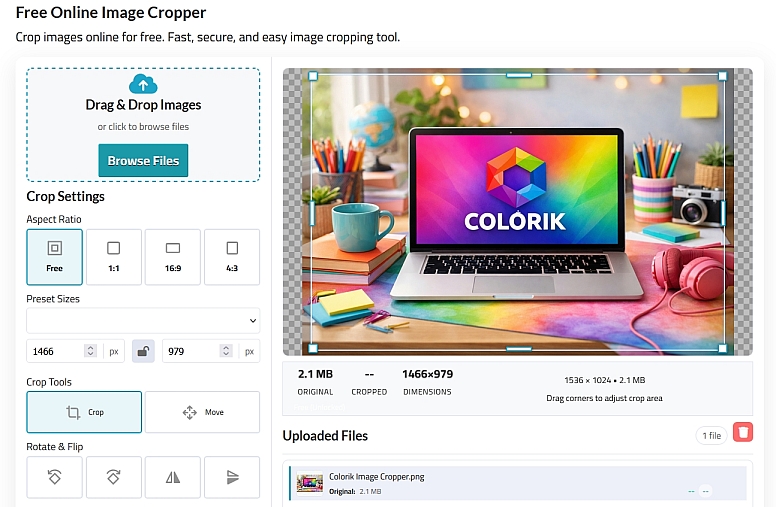
Trim and adjust your photos in seconds with the Colorik Image Cropper Tool — a free, browser-based tool for cutting out unwanted areas and perfecting composition. Upload any image, choose from preset aspect ratios or custom dimensions, and easily drag to select the portion you want to keep. Fast, intuitive, and requiring no software or signup, it helps you prepare visuals for social media, websites, and creative projects with precision and privacy.
Key Features:
-
Simple drag-to-crop interface with custom and preset ratios
-
Supports all common formats (JPG, PNG, WebP, AVIF)
-
Rotate and adjust before cropping for better results
-
No installation, login, or uploads required — all processing in your browser
-
Ideal for social posts, profile images, banners, and more
The Colorik Image Cropper Tool gives you precise control over your image composition, making it easy to remove unwanted areas and focus on what matters most. With an intuitive interface and fast browser-based performance, it’s ideal for preparing images for social media, websites, and creative layouts.
Pixel Art Generator
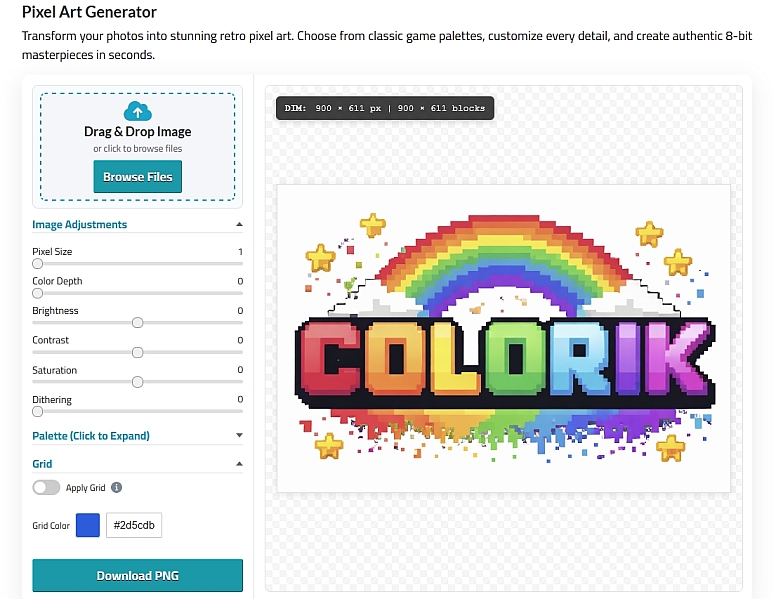
Turn your photos or creative ideas into classic pixel-style art instantly with the Colorik Pixel Art Generator Tool. Upload any image and adjust pixel size, colour depth, and grid effects to create retro visuals that echo the charm of 8-bit graphics — all directly in your browser with no downloads or signup required. It’s a fun, fast way to craft pixel art for game assets, avatars, social posts, or digital art projects.
Key Features:
-
Convert regular images into pixel art with adjustable pixel size
-
Customise colour depth and visual style
-
Ideal for retro game visuals, social media graphics, and creative projects
The Colorik Pixel Art Generator Tool makes creating retro-style pixel visuals fast and fun, turning ordinary images into eye-catching pixel art. With customizable settings and instant results, it’s perfect for game assets, avatars, social graphics, and creative experiments.
Why Use Colorik Tools?
- ✅ 100% Free
- 🚀 Fast & browser-based
- 🔒 Privacy-friendly (no uploads stored)
- 🎯 Built for real-world design & print needs
Who Are These Tools For?
- Graphic designers
- Print shops
- Marketers
- Small businesses
- Content creators
Frequently Asked Questions
Are these tools really free? Yes. All tools on this page are completely free to use.
Do I need to create an account? No sign-up required.
Are my files stored on your servers? No. Files are processed in your browser.
Recent Posts


0.0434